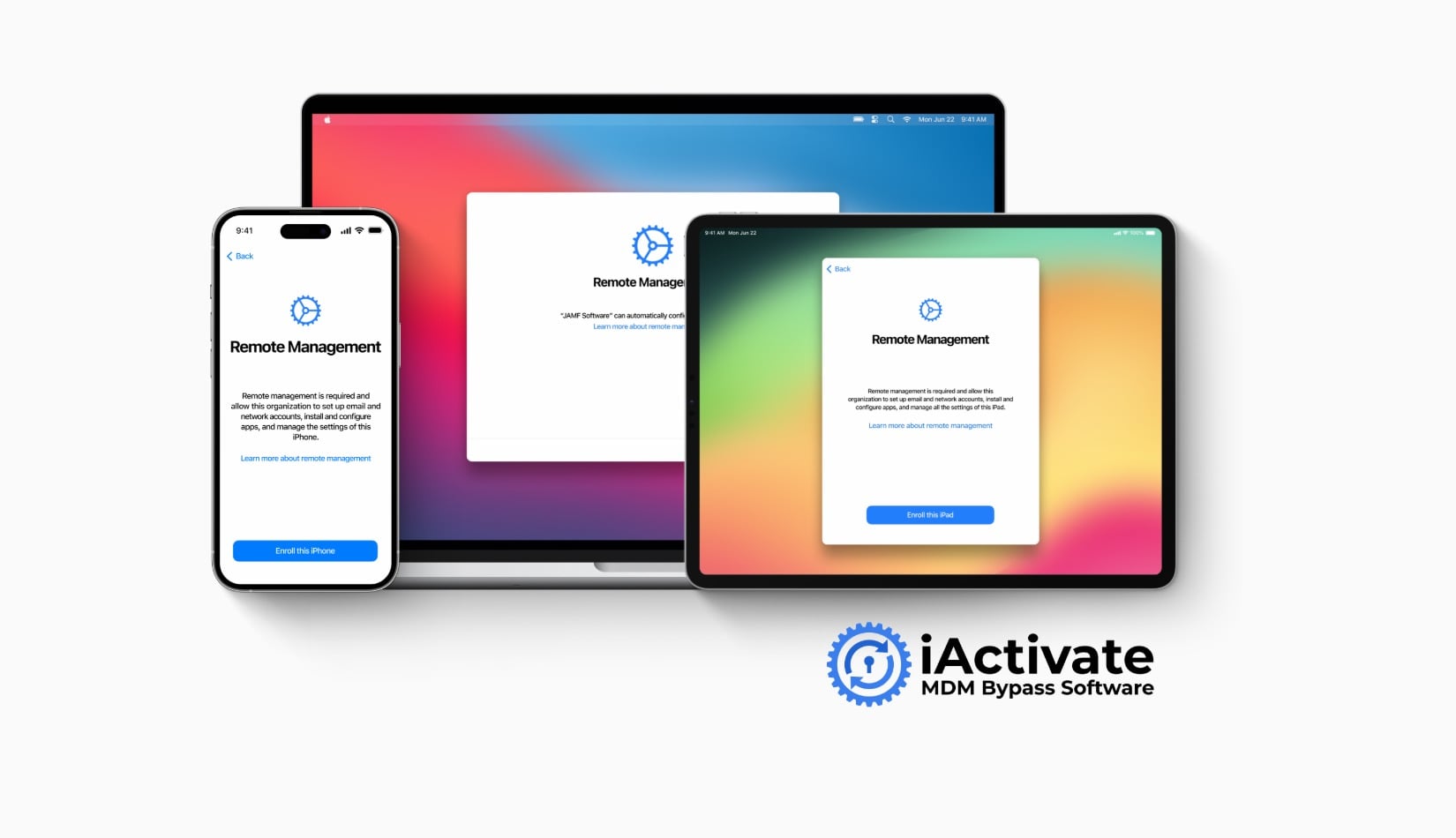
Product details
iActivate Tool Mdm Support iOS 27
Buy iActivate.host MDM bypass for supported iPhone XR through iPhone 17 Pro Max running iOS 27 or any later iOS version currently supported by iActivate.host. Check compatibility before ordering.
USD 35.00
In stock
Delivery: 1-10 Minutes
Description
iActivate.host Official Distributor Service iActivate.host MDM Bypass for iOS 27+ Order iActivate.host activation for a supported iPhone XR through iPhone 17 Pro Max running iOS 27 or a later iOS version currently supported by iActivate.host. iPhone XR–17 Pro Max iOS 27+ Later supported iOS versions IMEI or serial number 1–5 minutes iOS 27 and Newer Select this service for iOS 27 or a later version currently supported by the latest iActivate.host software. iPhone XR–17 Pro Max Covers eligible iPhone models from iPhone XR through iPhone 17 Pro Max after compatibility verification. IMEI or Serial Activation Submit the exact IMEI or serial number requested by the order form. Incorrect information can cause the order to fail. iActivate.host MDM Bypass for iOS 27+ iActivate.host is a software-based service for compatible Apple devices restricted by Mobile Device Management or Remote Management. After successful activation, follow the instructions displayed by the current iActivate.host software. The “iOS 27+” label means iOS 27 and any later iOS version that is currently supported by iActivate.host. This future-ready wording avoids changing the product page for every supported iOS update while still requiring compatibility verification before ordering. How to Order Open iActivate.host Use the latest available version of the software. Connect the iPhone Connect the device and allow the software to detect it. Check Compatibility Confirm the detected model and installed iOS version are supported. Submit the Order Enter the correct IMEI or serial number and place the order. Important checks before ordering Use this service only for a device you own or are authorized to service. The iPhone must have a supported MDM or Remote Management restriction. The supported device range is iPhone XR through iPhone 17 Pro Max. The device must run iOS 27 or a later version currently supported by iActivate.host. The “+” symbol does not guarantee automatic support for every future release. Always check the current software first. For iOS or iPadOS 26.6.1 and earlier, use the separate newer-model service. Do not order for an iPad unless iPad support is explicitly listed in the current checkout conditions. This service does not remove Apple ID, Find My, iCloud Activation Lock, screen passcode, lost mode or carrier lock. Verify the IMEI or serial number before submitting the order. Choose the Correct iActivate.host Service Device and System Correct Service iPhone XR–17 Pro Max running iOS 27 or a later supported iOS version Use this iOS 27+ service iPhone XR–17 Pro Max or supported newer iPad running up to iOS/iPadOS 26.6.1 Use the separate 26.6.1 service Supported iPhone 5S–X or older iPad Use the separate older-model service Apple ID, Find My or iCloud Activation Lock Not supported Screen passcode, lost mode or carrier/SIM lock Not supported Frequently Asked Questions What does iOS 27+ mean? It means iOS 27 and any later iOS version currently supported by the latest iActivate.host software and service. Will every future iOS version be supported? Compatibility must always be checked in the current software. The “+” wording covers later supported releases without promising automatic support for every future version. Which iPhone models use this service? This listing is for supported iPhone models from iPhone XR through iPhone 17 Pro Max running iOS 27 or later supported versions. Does this service include iPad? Do not order this listing for an iPad unless iPad support is explicitly confirmed in the current service conditions. Does this remove iCloud Activation Lock? No. This service is for supported MDM and Remote Management restrictions only. How long does activation take? The listed delivery time is 1–5 minutes for eligible orders. Completion depends on correct submission and server availability. Final reminder: Confirm the iPhone model, installed iOS version, IMEI or serial number and current compatibility before ordering. The conditions displayed at checkout apply to the order.